
__26J16h7LzO.png)


__26J16h7LzO.png)
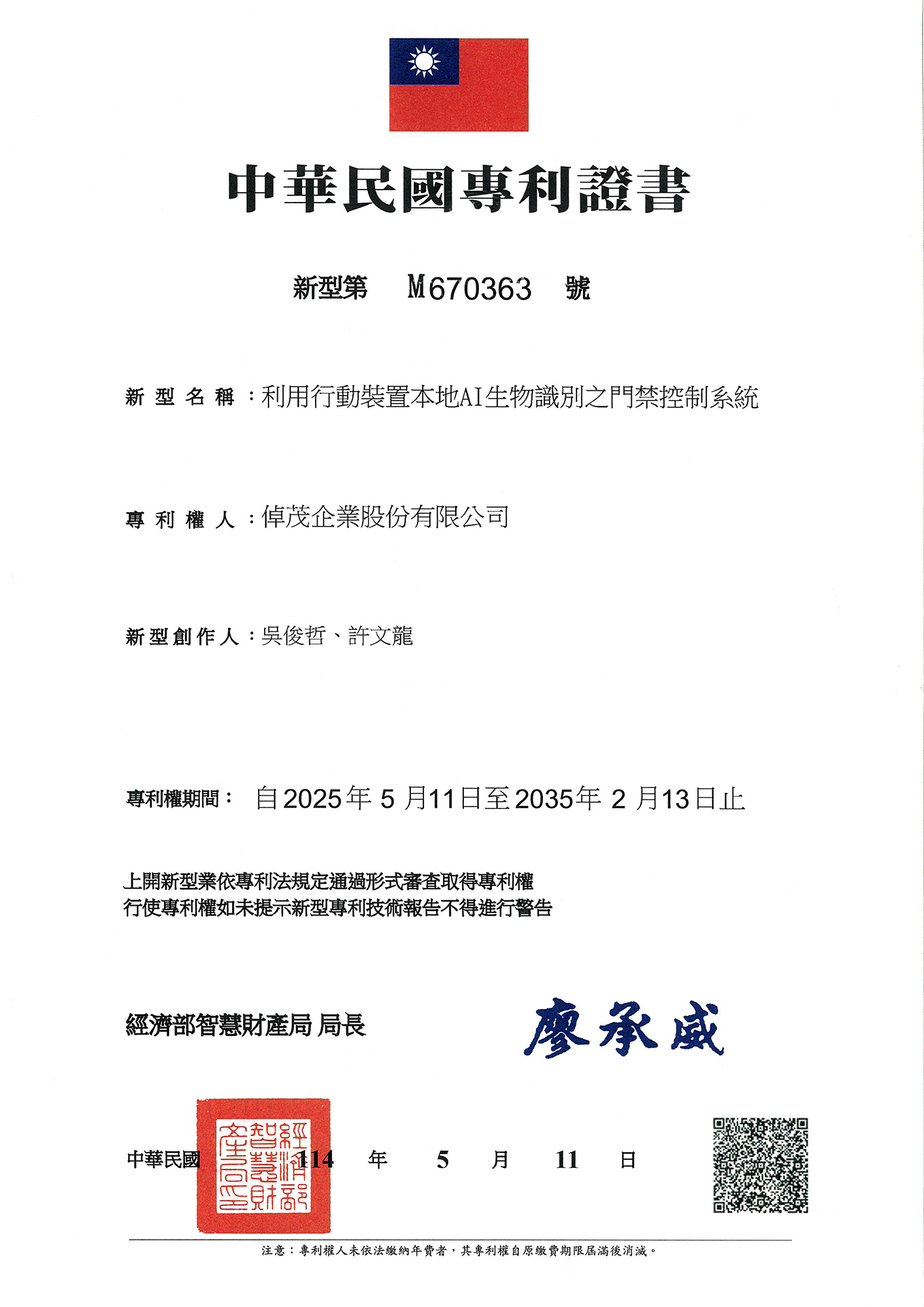
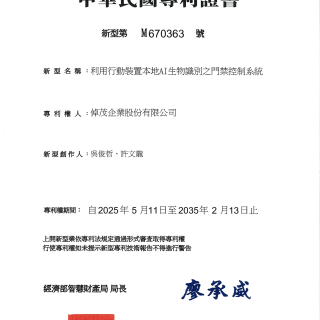
Patented Design for a Safer and More Convenient Smart Access Experience
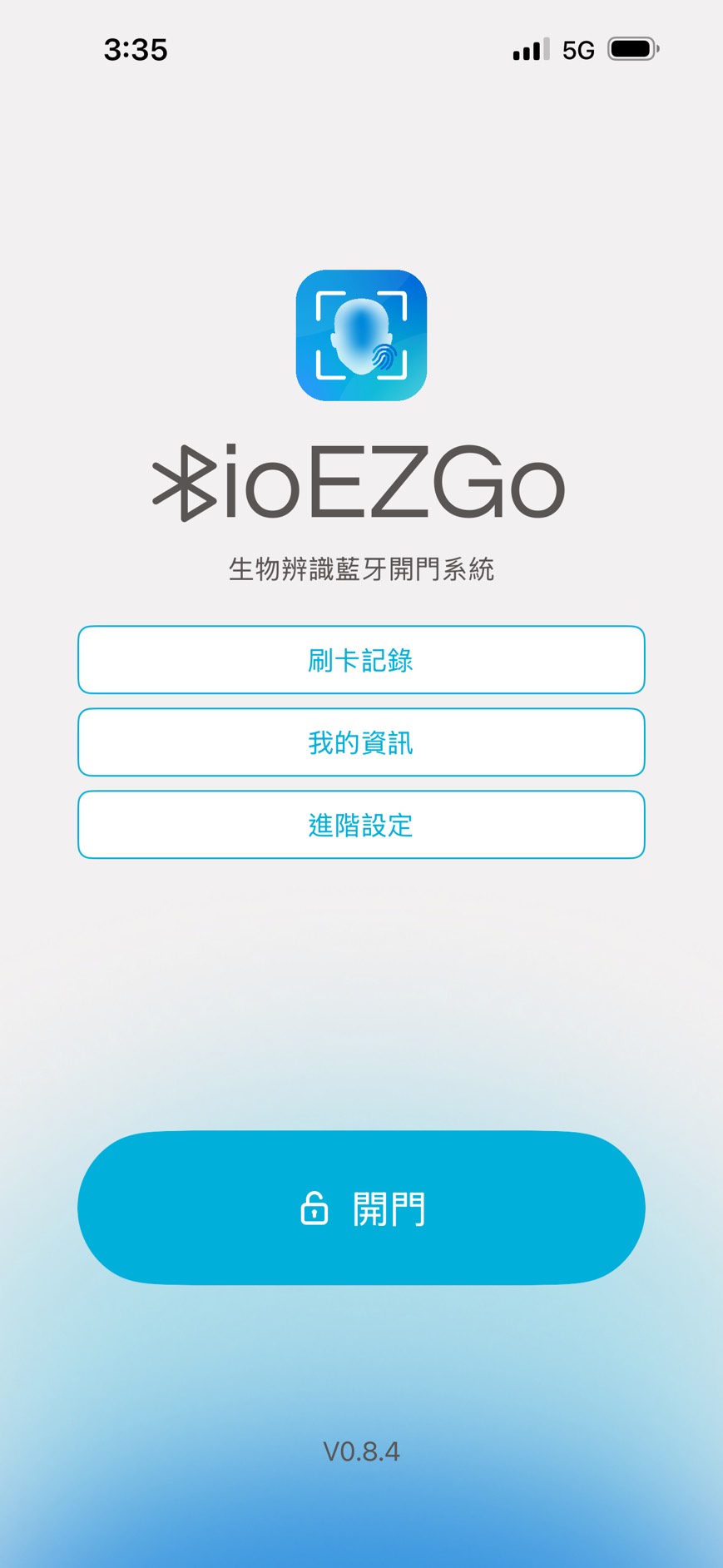
BioEZGo combines Bluetooth access control with facial recognition, allowing users to verify their identity and request door access simply by approaching a compatible device. It supports EZGo+ authorization credentials, access records, and device management for a safer and faster access experience.
BioEZGo is a smart access control app developed by Heart Enterprise. Use your iOS / Android device with Bluetooth access control devices and complete identity verification through facial recognition or biometric authentication to request door access.
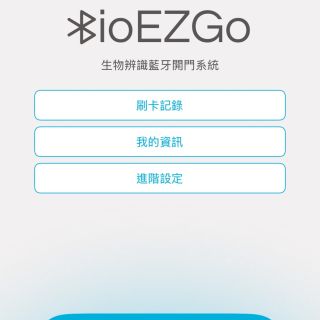
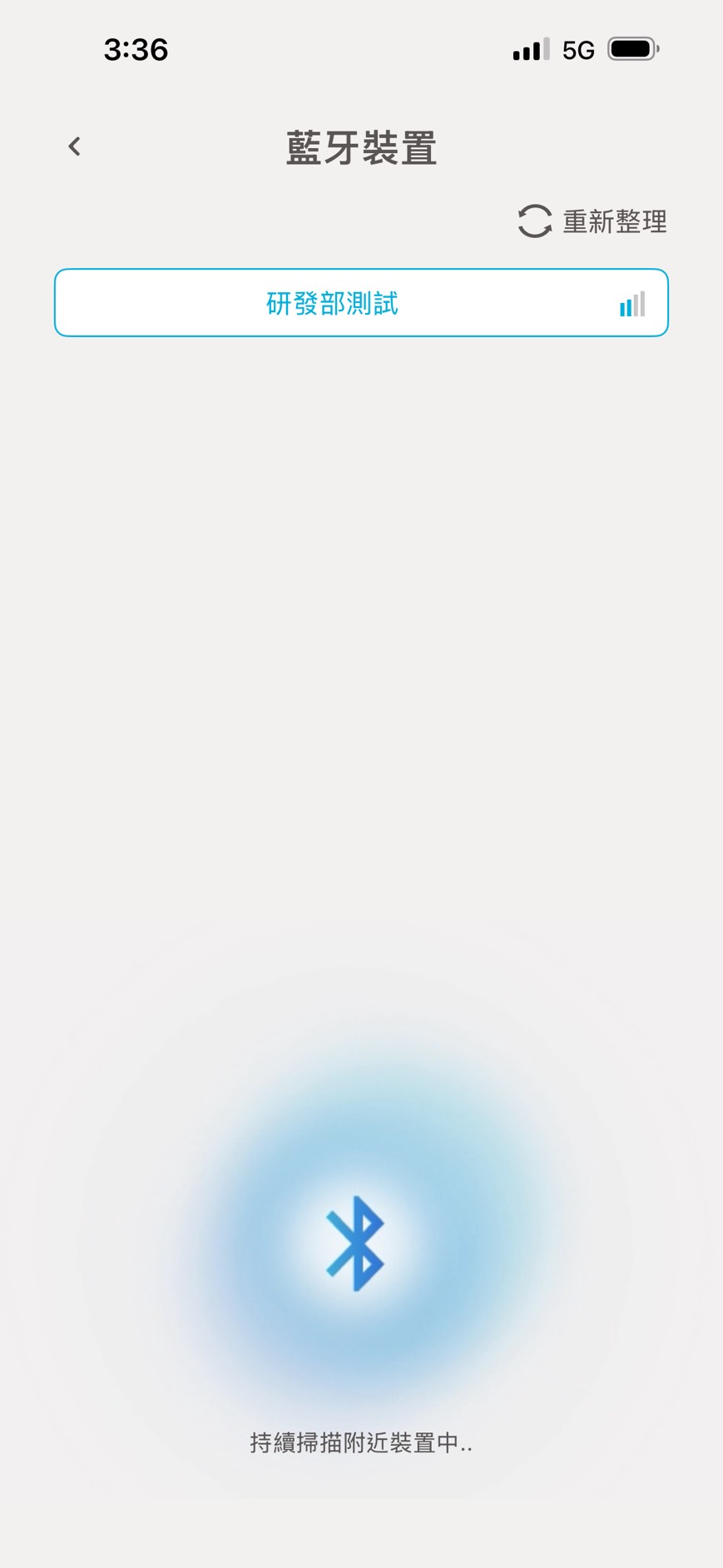
- Scan and connect to compatible Bluetooth access control devices
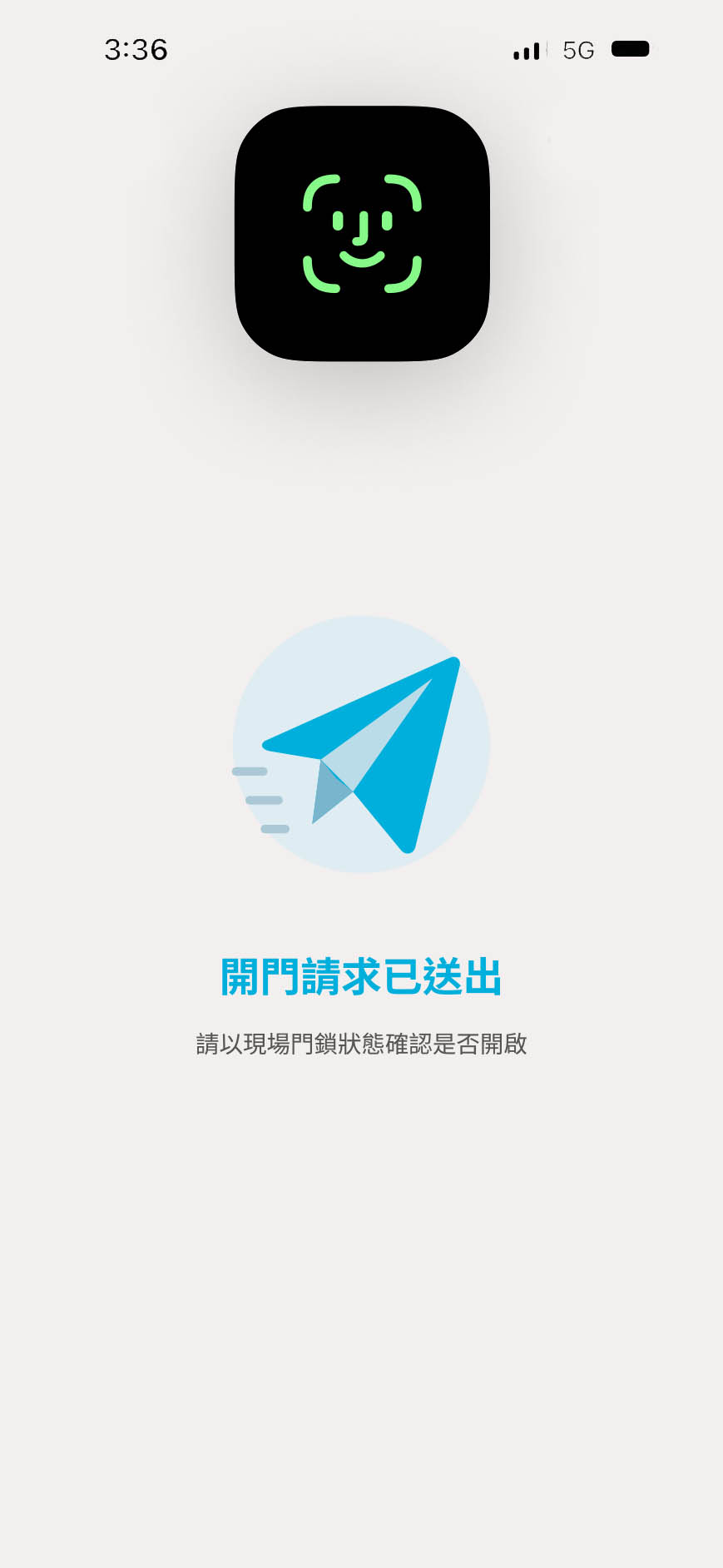
- Verify identity using Face ID / biometric authentication before requesting door access
- Obtain authorization credentials for access control, authentication, and inquiries
- View access records and review access history
- Customize Bluetooth device names for easier identification of frequently used access points
- View personal information, including name, department, and role
Main System Features
- User Login and Authorization Verification
Verify users through employee ID, password, and QR Code verification processes to obtain authorization credentials. - Mobile Biometric Authentication
Use the facial recognition or fingerprint authentication supported by the mobile device to verify the user's identity. - Bluetooth Device Discovery
Search for nearby compatible Bluetooth access control devices and allow users to select a device for connection. - Door Access Request
After identity verification is completed, send a door access request to the selected access control device and display the transmission result. - One-Tap Authentication, Easy Unlocking
Set the device to "Auto" mode. Simply tap the app to automatically authenticate and unlock the door in one step. - Device Visibility Management
Set devices to visible or hidden to customize the Bluetooth device list according to individual preferences. - Device Name Settings
Customize device names for easier identification of different entrances or locations while preventing duplicate names. - Personal Information
View personal information such as name, department, and role to confirm the identity of the current user. - Access Record Inquiry
View access records and filter them by time periods such as Today, This Week, and This Month. - Record Retention Management
Select a retention period of 30, 180, or 365 days for access records, with an option to clear stored records.
Hardware Requirements
- Mobile Device: A smartphone equipped with Bluetooth communication and compatible biometric authentication capabilities
- Bluetooth Communication: BLE (Bluetooth Low Energy) support
- Biometric Authentication: A facial recognition or fingerprint authentication feature supported by BioEZGo and configured on the device
- Camera: Required when using QR Code scanning for verification
- Access Control Device: A compatible Bluetooth access control device that supports BioEZGo is required
System Environment
- Supported Platforms: iOS and Android.
- System Permissions: Required permissions for Bluetooth communication and biometric authentication must be enabled. Nearby device or location permissions may also be required depending on the operating system.
- Authorization: A valid authorization credential and access permission are required.
Download
```
__25L29IKWOM.png)
__25L293Xv1n.png)